
Your agent workspace runs from a macOS desktop app with local state, config, and files.
Local macOS runtime
The local AI agent runtime and workbench.
Neon Pilot gives coding agents a durable desktop home: conversations, background work, tools, extensions, knowledge, and checkpoints in one local app.
Local by default
Conversations, data, and runtime state stay on your machine.
Built for long work
Run follow-ups, scheduled tasks, and daemon-backed jobs after one reply ends.
Extensible by design
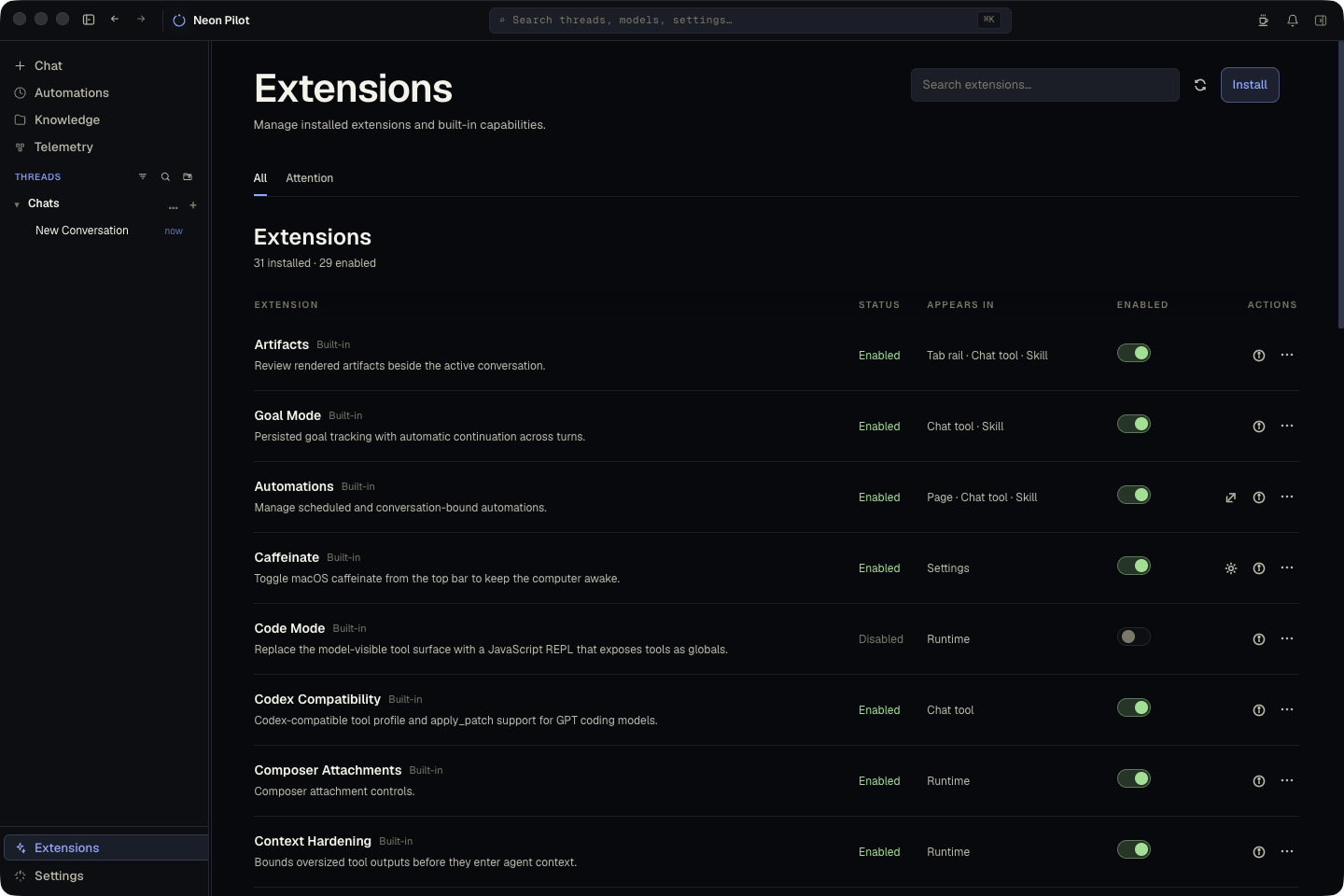
Add commands, pages, tools, settings, and skills as first-class extensions.
Install and bootstrap
Latest release
curl -fsSL https://raw.githubusercontent.com/patleeman/neon-pilot/master/install.sh | bash -s -- --install-cli --bootstrap
Requires macOS. Fully open source under MIT.
Let tasks continue as daemon-backed work, scheduled automations, follow-ups, or deferred resumes.
Install or build native capabilities with commands, tools, pages, settings, skills, and docs.
Attach files, projects, instruction layers, generated context, and git-backed knowledge.
What it is
A desktop shell for agent work that should survive the chat turn.
Neon Pilot is not another hosted chat surface. It is a local runtime around the agent: transcript storage, workspace context, background execution, extension hosting, model/provider settings, and reusable workflow surfaces.
Use it when a task needs files, tools, follow-through, and durable state instead of a single disposable answer.
Ask
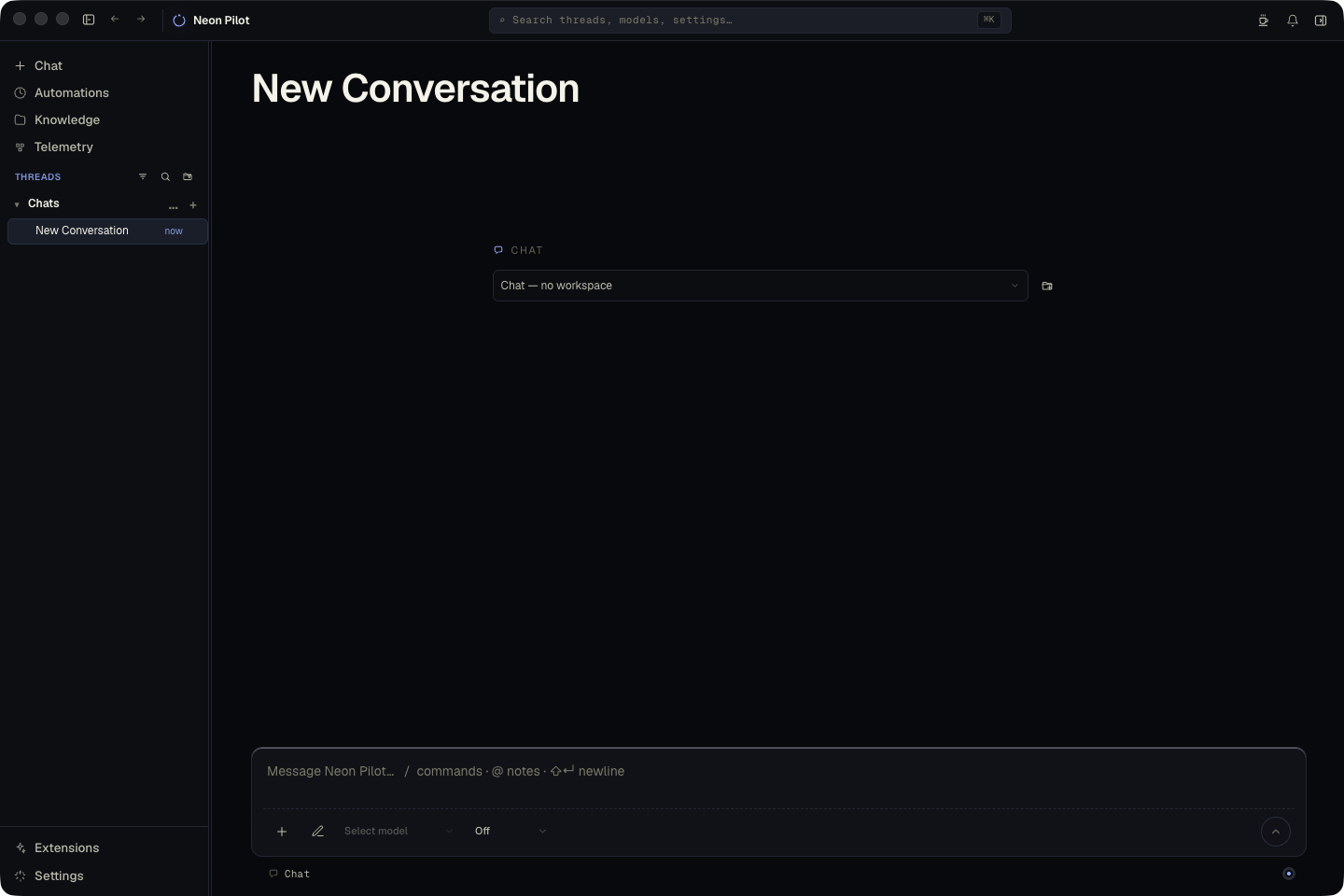
Start with a conversation
Attach files or folders, choose a model, and ask the agent to inspect, write, debug, plan, or automate.
Run
Let work continue
Promote longer tasks into background runs, follow-ups, scheduled automations, and checkpointed changes.
Keep
Turn patterns into tools
When a workflow repeats, make it an extension with commands, UI, backend actions, docs, and tests.
Extension-first
Keep core small. Add workflows as extensions.
Neon Pilot's product surface is built around first-party and user extensions. A capability can contribute pages, sidebar views, settings, commands, agent tools, skills, and backend actions without bloating the runtime core.
Read extension docsDurable work
Give agents somewhere to continue.
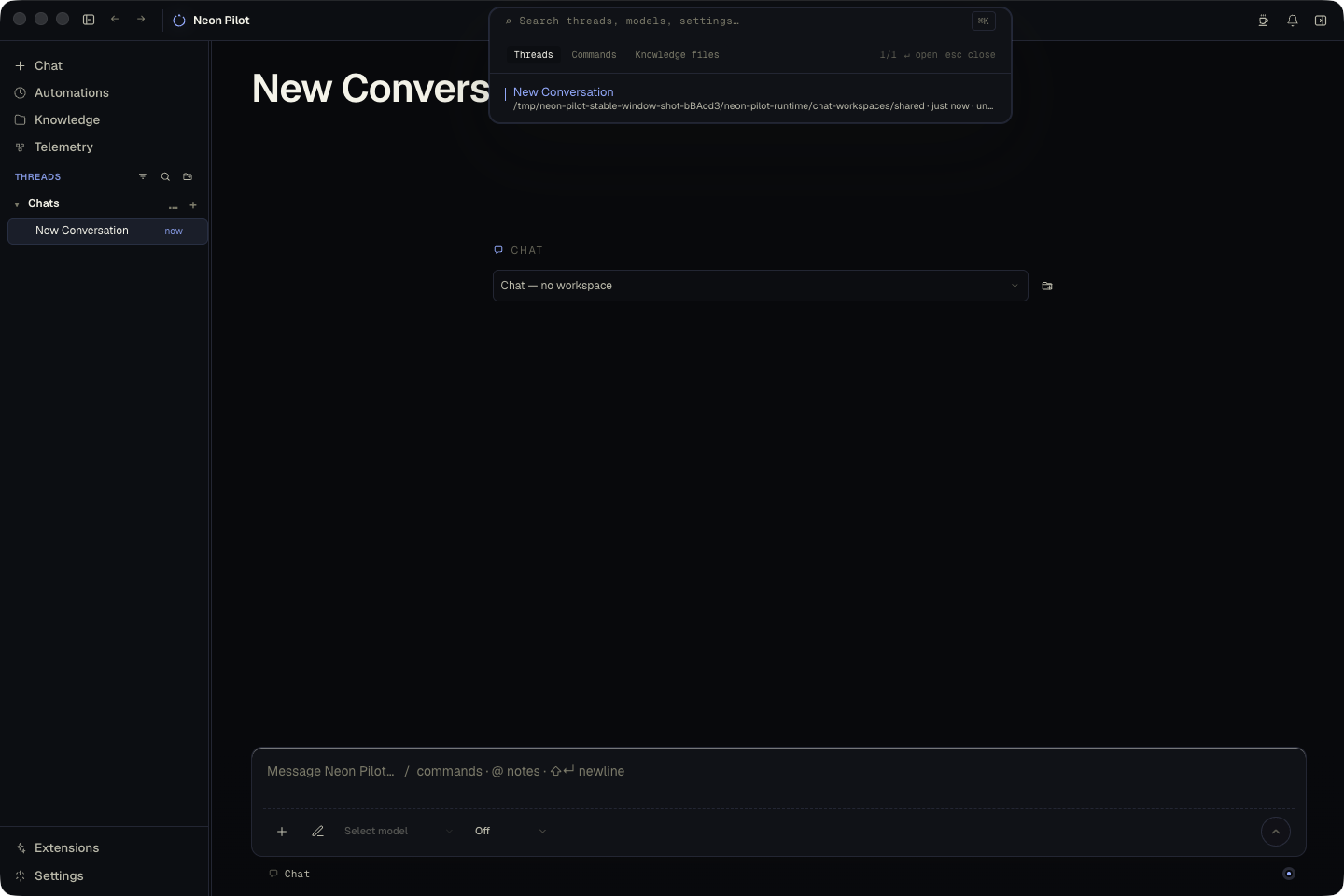
Conversations, branches, artifacts, checkpoints, automations, scheduled tasks, and daemon-backed runs persist across app restarts, so useful work can keep moving outside one synchronous response.
Read conversation docsContext
Bring the right workspace into the turn.
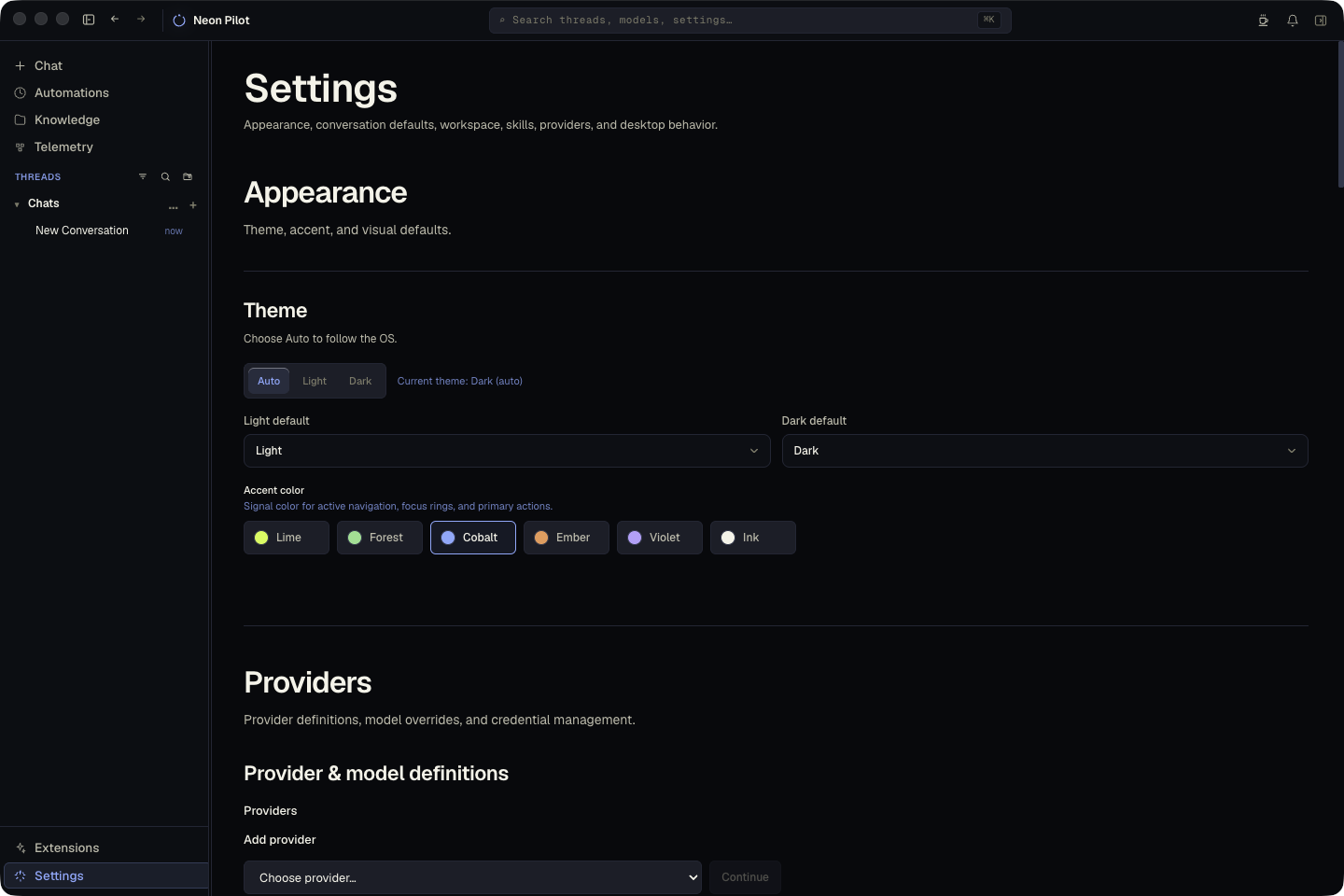
Files, folders, projects, instruction layers, skills, generated context, screenshots, and knowledge sync give agents practical operating context without rebuilding it from scratch each time.
Read context docsmacOS today
Install the local workbench and make it your own.
Download the app, bootstrap the CLI, then add the workflows and extensions your workspace needs.